
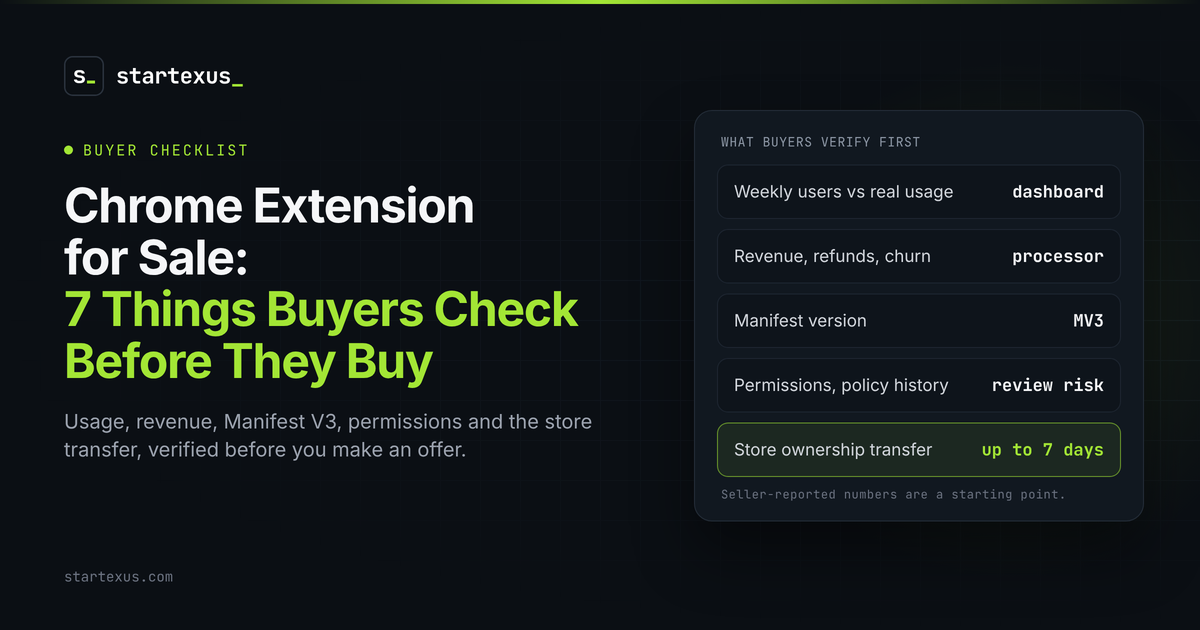
A Chrome extension can look like the cheapest way to buy real users. It can also be the fastest way to buy a user count nobody actually uses.
Extensions are small and cheap to run. They also live in someone else's store, often on top of someone else's website. That changes what you need to check.
Here are the seven things I would verify before making an offer on any Chrome extension for sale. Most take minutes.
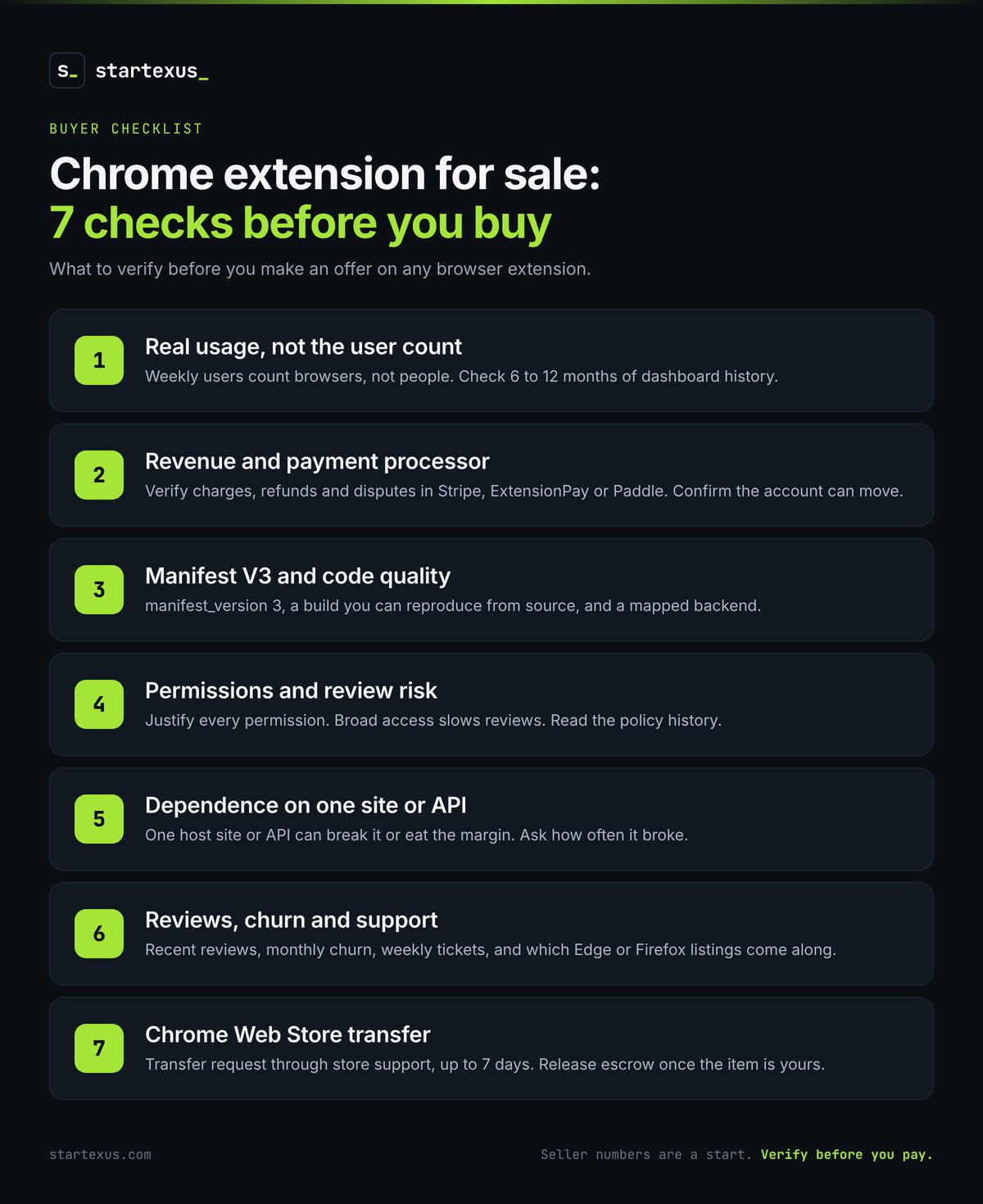
1. Real usage, not the headline user count
The number on a store listing is not people.
- Weekly users are browsers, not humans. The Chrome Web Store counts browsers that loaded the extension in the past seven days. One person on two laptops can count twice, and loaded is not used.
- Installs are not users either. Most people who drift away never uninstall.
- Ask for a Viewer seat. A seller can add you to their publisher as a Viewer, which shows analytics without edit rights. Read 6 to 12 months of history. Watch the trend, not the peak.
- Ask for in-product analytics. Daily active users and key actions per week beat any store metric.
Real example: One extension-plus-web-app listing StartExus tracked this month reported 3,000+ registered users and 74 weekly active users in its latest seven-day period, both seller-reported. Price the 74, not the 3,000.
2. Revenue model and payment processor
Google retired Chrome Web Store payments years ago, so every paid extension bills through something else. Find out what, and whether it moves with the sale.
- Name the processor. Stripe directly, ExtensionPay, Paddle, Lemon Squeezy or something custom. Each has its own rules for moving accounts or customers to a new owner.
- Verify in the processor, not screenshots. Twelve months of charges, refunds and disputes, live.
- Check how the paywall is enforced. If a flag in the browser unlocks premium, some revenue is optional.
- Free extensions are priced on reach. Two extension listings we tracked asked $800 and $1,499 with $0 in monthly revenue, on 2,000+ and 150+ users. You are buying distribution, not income.
3. Manifest V3 status and code quality
Manifest V2 is finished. Current Chrome no longer runs it, and Google says all remaining Manifest V2 extensions were removed from the Chrome Web Store on August 31, 2026.
- Open manifest.json. It should say "manifest_version": 3. If it does not, you are looking at a rebuild, not an asset.
- Check the migration was real. Manifest V3 uses service workers and bans remotely hosted code. Test it after the browser sits idle.
- Build it yourself. Produce the store package from the repo. If you cannot, you do not own the product yet.
- Map the backend. Many extensions are thin clients for a server or an AI API. Know what runs where and what it costs.
4. Permissions footprint and review risk
Permissions decide what users see at install and how closely Google reviews every update.
- List every permission and host pattern. Access to all sites, tabs, cookies or downloads should each have a clear reason.
- Broad access means slower reviews. Google says broad host permissions, sensitive permissions and hard-to-review code can make reviews take longer, on every update you ship.
- New warnings cost users. If an update adds a permission with a new warning, Chrome disables the extension until each user accepts it. Some never do.
- Ask for the policy history. Every rejection, warning and violation email. An active violation can block the transfer.
- Match disclosures to code. The privacy policy should describe what the extension actually collects.
5. Dependence on one site or API
Most extensions sit on a product they do not control. That is fine if you price it.
- Single host site. An extension built for LinkedIn, Gmail, YouTube or one charting tool breaks when that site changes its pages.
- Single API. If the core feature calls an AI model or a third-party data API, every price change and rate limit lands on your margin.
- Ask how often it broke. The commit history shows how many emergency fixes the past year took.
Worked example (hypothetical): Say an extension makes $1,500 a month from 300 subscribers at $5, with $150 in monthly costs. That is $1,350 in profit, or $16,200 a year. At 3x annual profit, the price is $48,600. If it all runs on one site that redesigns next quarter, that $48,600 is a bet on someone else's roadmap.
6. Reviews, churn and support load
Ratings tell you what users felt. Support tickets tell you what your weekends will look like.
- Read recent reviews, not the average. An old high rating can hide a run of one-star reviews since the last update.
- Measure churn. Monthly cancellations divided by paying users at the start of the month.
- Count the support load. Weekly ticket volume and the founder's hours.
- Check the other browsers. Edge Add-ons and Firefox Add-ons are separate stores with separate accounts. Know which come with the deal.
7. How the store listing actually transfers
The listing is the business. Make sure it can move.
- Ownership transfer goes through Google. The seller files a transfer request with Chrome Web Store support and confirms it from the original account. Google says it can take up to seven days.
- Register your developer account first. It must exist, with the one-time $5 fee paid, before the request goes in.
- Only clean items move. Google transfers items that are published and have no violations.
- Shared access is not ownership. A member seat on the seller's publisher helps during handover. The item is still theirs.
- List everything else. Domain, repo, backend, processor, email list and other browser listings.
- Use escrow. Release funds only when the item shows under your own publisher.
Your 30-minute pre-offer checklist
- Get a Viewer seat and compare store weekly users with in-product active users.
- Verify revenue, refunds and churn in the payment processor.
- Confirm "manifest_version": 3 and build the package from source.
- List every permission and ask why each one is needed.
- Name the sites and APIs it depends on.
- Read the last 20 reviews and a month of support tickets.
- Agree the transfer steps in writing, with escrow.
The bottom line
A Chrome extension for sale is rarely priced on code. It is priced on users, revenue and the right to keep shipping updates to them. Verify all three.
Check real usage, the processor and the permissions. Then make sure the listing can actually move. Small asset. Real due diligence.
Browse current deals on StartExus, including Chrome extensions and micro-SaaS, or list your extension for sale for free.
Tags
- due diligence
- saas
- ai