
Agreeing a price is not the close. The close is the stretch where money, access and paperwork have to move without either side getting burned.
A handshake in a message thread is not enough. You still have to fund escrow, watch every asset transfer, and confirm the business works as described before the seller is paid.
This is the checklist I would hand a friend after the seller says yes. Every dollar figure below is an illustrative example, not market data and not a real listing.
Why the close needs its own plan
The offer got you this far. The close is where deals stall: a domain that does not transfer, a Stripe account still in the seller's name, or funds sent before access is confirmed. Write the closing plan before anyone moves an asset.
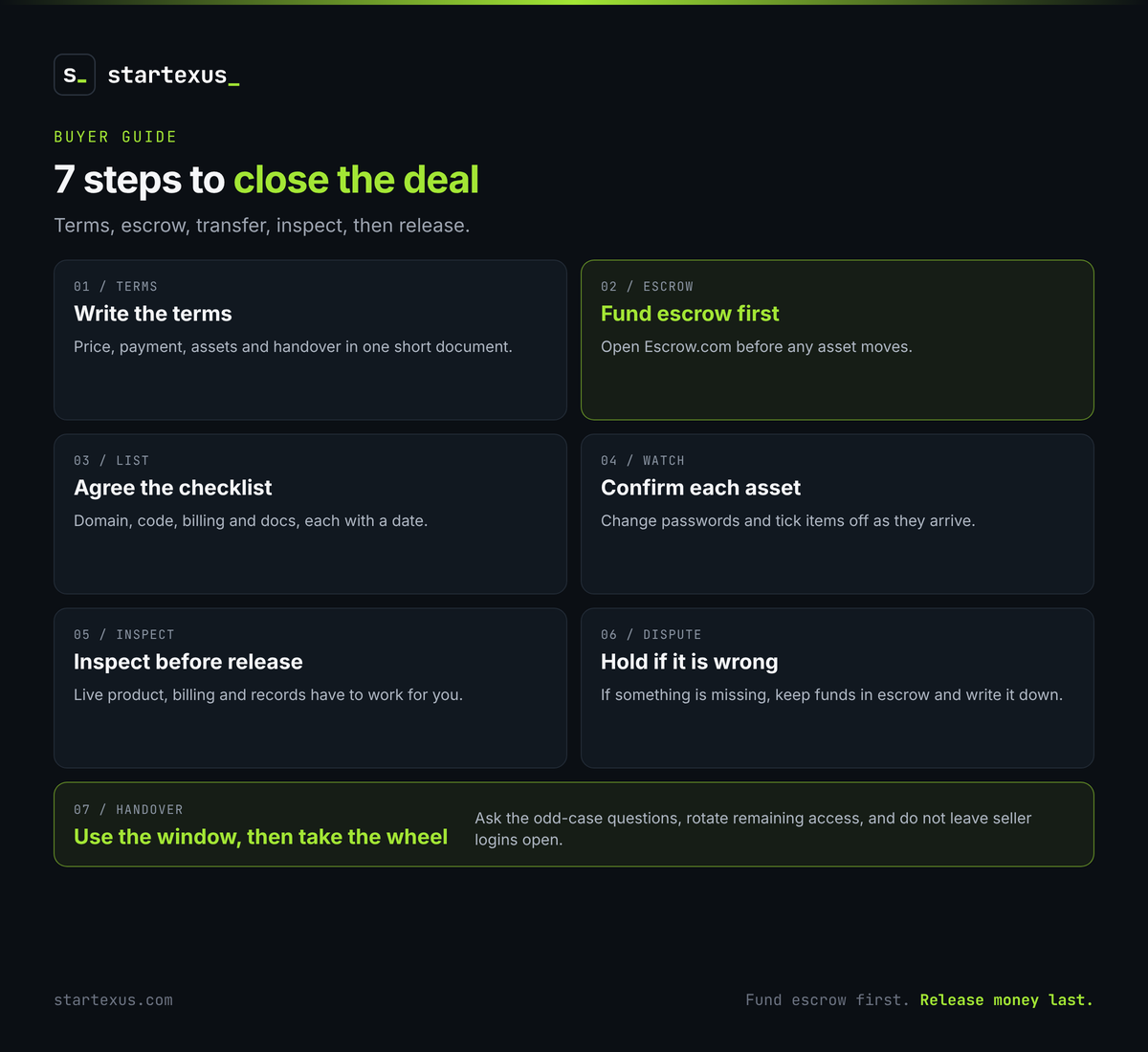
1. Get the final terms in writing
A yes in chat is a start. Put the agreed deal in one short document both of you can point to.
- Restate the price and how it is paid. Cash at close, any deferred amount, and the dates.
- List the assets. Domain, code, customer list, billing accounts, documentation and any accounts that keep the product running.
- Fix the handover window. How long the seller will answer questions after transfer, and by what channel.
- Name the conditions. Anything still outstanding, such as revenue checked against the payment processor, should be written down with a deadline.
Short and specific beats long and vague. Both of you should be able to read it once and know what "done" looks like.
2. Open escrow before anything moves
Do not send the purchase price to the seller directly. Escrow is optional on StartExus, but for most deals it is the sensible choice. We recommend Escrow.com: you fund escrow, and funds are released only after you confirm every asset has transferred. Escrow.com charges its own fee, which buyer and seller agree how to split, so factor that into the budget before you fund.
- Fund the agreed amount. Escrow.com confirms receipt to both sides.
- Do not start the transfer until funds are in. The seller should not move the domain or code until the money is held.
- Keep the release in your hands. Funds move after you confirm the transfer, not when the seller says they are done.
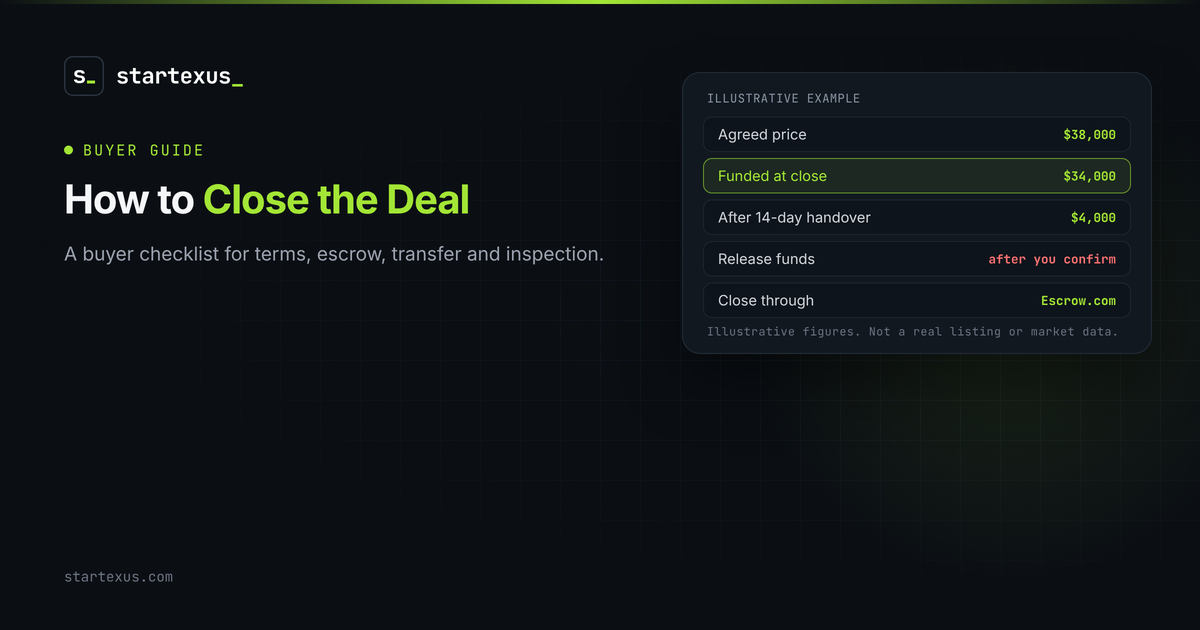
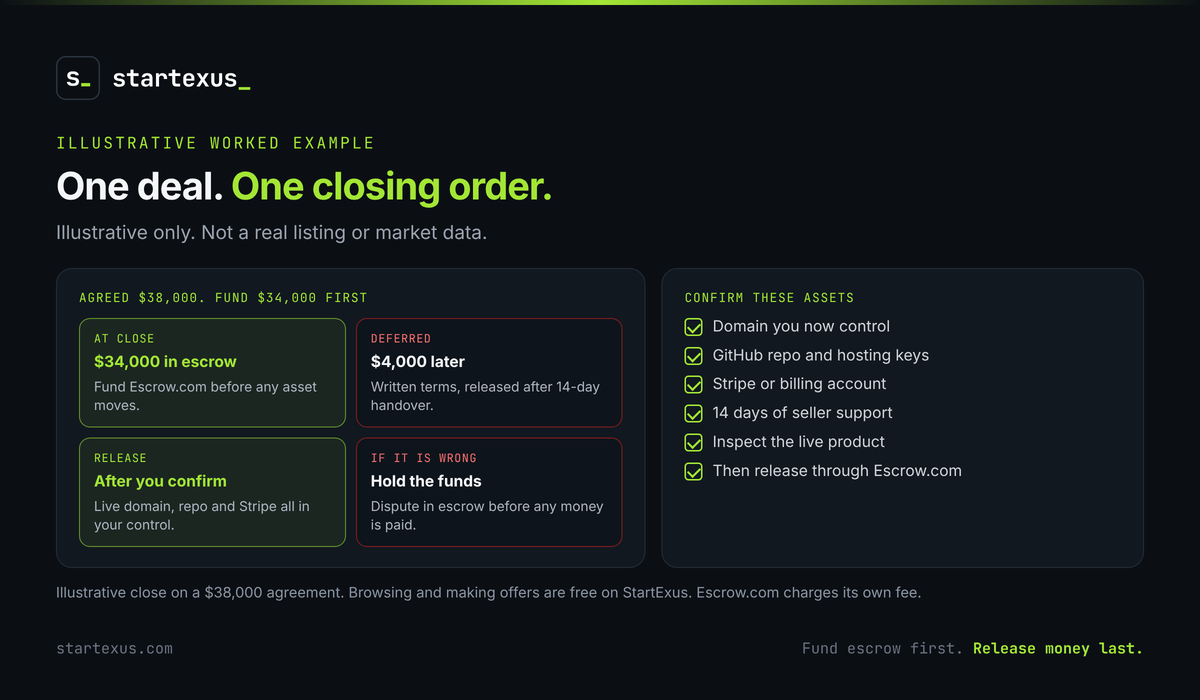
Worked example (illustrative): you agreed $38,000. $34,000 is due at close and $4,000 after a 14-day handover. You fund $34,000 into Escrow.com first. The deferred $4,000 is written into the terms with a clear release date. None of this is market data.
3. Agree a transfer checklist and a timeline
The seller should not improvise the handover. Agree the list and the order before the first asset moves.
- Domain and DNS. Registrar transfer or a push to an account you control, plus DNS access.
- Code and infrastructure. Repository, hosting, domain records, and any keys the app needs to run.
- Billing and customers. Stripe or the app store account, customer list, and a plan for existing subscriptions.
- Docs and contacts. Runbooks, supplier logins, and the people you may need after day one.
Give the list a deadline. A two-week window is common on a small deal. A checklist with dates is easier to inspect than a pile of forwarded emails.
4. Watch the handover, item by item
Tick items off as they arrive, not at the end. If something is late, you want to know while escrow is still holding the funds.
- Confirm you control it. A forwarded login is not enough. Change the password and check the recovery email.
- Keep a log. Note the time, the asset, and whether it works.
- Do not release early to be polite. A nearly complete handover is not a complete handover.
5. Inspect before you release funds
Once the seller says everything has moved, check it yourself. StartExus recommends this step: the buyer inspects, and funds are released only after you confirm every asset arrived and works as described.
- The product loads on your accounts. Staging is not production. Use the live domain and the billing account you now control.
- Customers and charges still work. Place a test charge or review a recent invoice. Subscriptions should still bill to the right place.
- The records match the deal. If revenue was verified against the payment processor, look at the same account you now own. If figures were seller-reported, this is your last chance to notice a gap.
Worked example (illustrative): the $38,000 deal included the domain, the GitHub repo, a Stripe account and 14 days of support. You do not release the $34,000 in escrow until you can log in to all three and the site serves on the domain you now control.
6. Use the dispute window if something is missing
If something is not as described, do not release the funds. Escrow.com handles the dispute before any money is paid to the seller. Write down what is missing, point back to the agreed list, and keep the conversation in writing.
Walking away at this stage is rare if the offer was careful. It is still better than paying for a business you cannot run.
7. Use the handover period, then take the wheel
The days after transfer are when questions are cheapest. Use them.
- Ask about the odd cases. Refunds, failed payments, the one customer who always emails the seller directly.
- Rotate remaining access. Any account still tied to the seller's email or phone should move before the window ends.
- Do not extend casually. If you need more time, agree it in writing. An open-ended handover turns into unpaid support.
Your closing checklist
- Put the final price, payment schedule, assets and handover in writing.
- Open Escrow.com and fund it before any asset moves.
- Agree a transfer checklist with dates.
- Confirm you control each asset as it arrives.
- Inspect the live product, billing and records before you release funds.
- Hold funds and raise a dispute if something is missing or not as described.
- Use the handover window, then cut remaining seller access.
The bottom line
The close is a sequence, not a mood. Fund escrow first, move the assets second, and release the money last.
Do those three in order and you protect both sides. Skip one and you are trusting a stranger with either your money or your business.
Ready to buy? Browse current listings on StartExus, where browsing, messaging and making offers are free. Not sure what a business is worth? Try the free valuation tool. Or list your own business for free.
Tags
- online business
- valuation
- ai