
A listing says $3,000 MRR. Is that a fact, or a hope? The number looks the same either way. The proof behind it does not.
Most bad small-business deals start with a figure the buyer never checked. The fix is not suspicion. It is knowing which numbers were confirmed and which were only claimed.
This is how I would read a listing before sending a single message. Every number in the examples below is illustrative, not a real listing or market data.
Why the label matters
Price is a multiple of revenue or profit. If the revenue is wrong by 20 percent, your price is wrong by 20 percent. A confirmed figure and a claimed figure can sit side by side in one listing, so read each one separately.
1. What "verified" means on StartExus
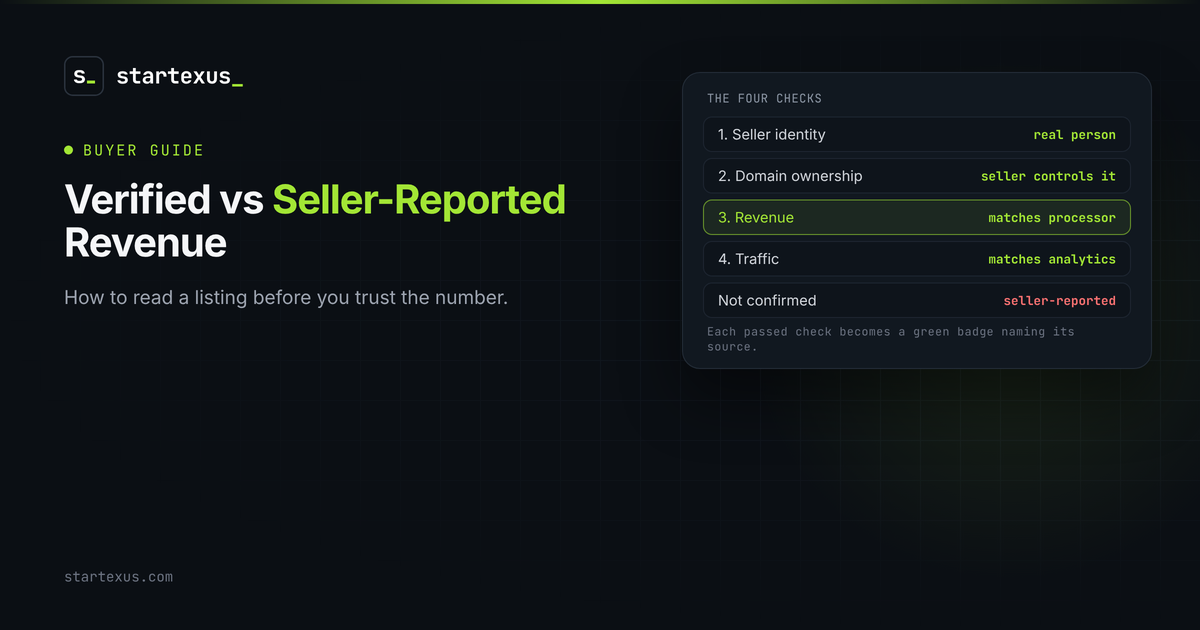
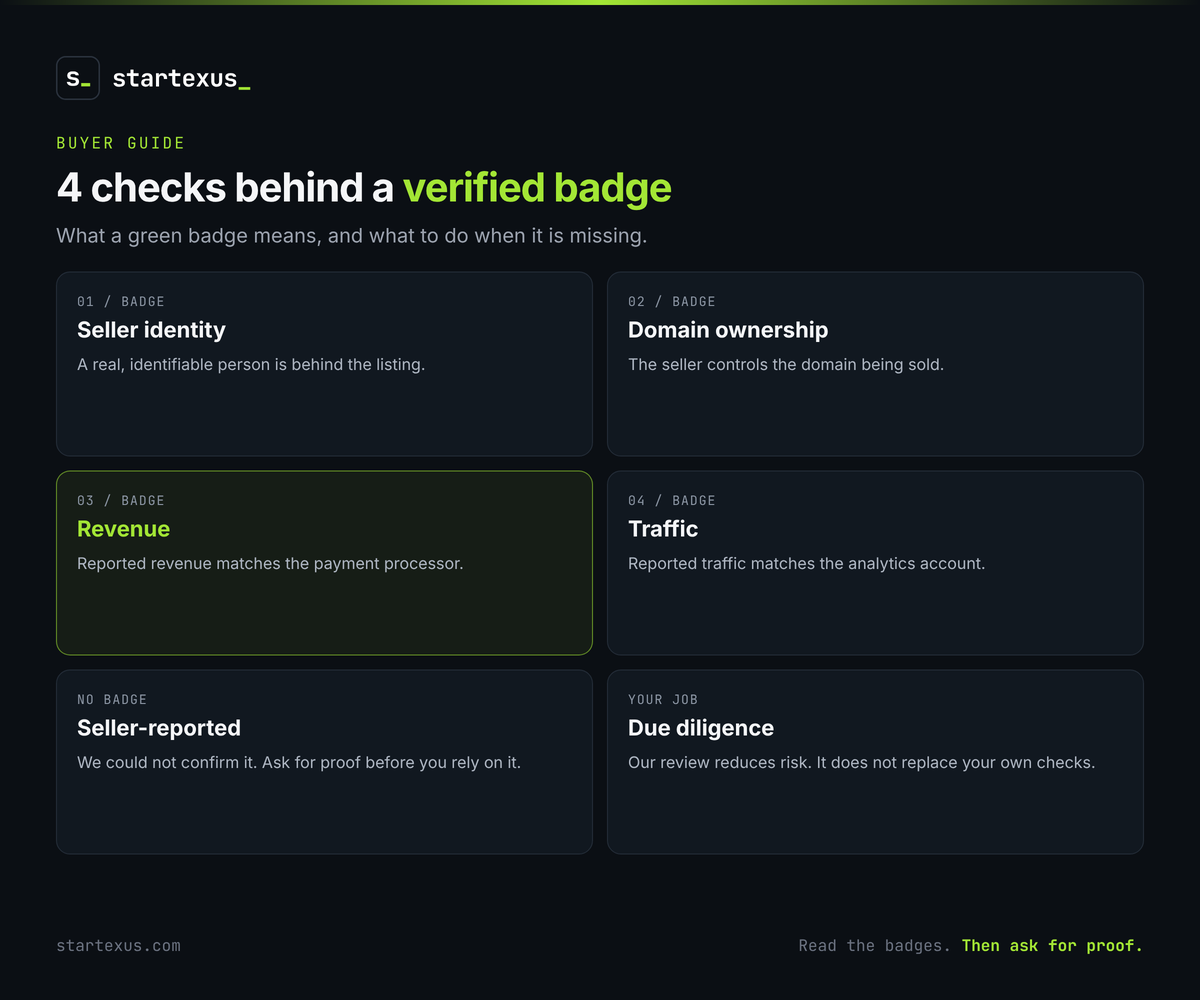
Every submission is read by a person. We check the listing makes sense, then run up to four checks. Each one that passes becomes a green badge on the listing, naming its source.
- Seller identity. A real, identifiable person is behind the listing.
- Domain ownership. The seller controls the domain being sold.
- Revenue. Reported revenue matches the payment processor.
- Traffic. Reported traffic matches the analytics account.
2. What "seller-reported" means
Anything we could not confirm is labeled seller-reported. That is not an accusation. Many honest sellers simply have a figure we could not check. It means the number is the seller's word until you see proof.
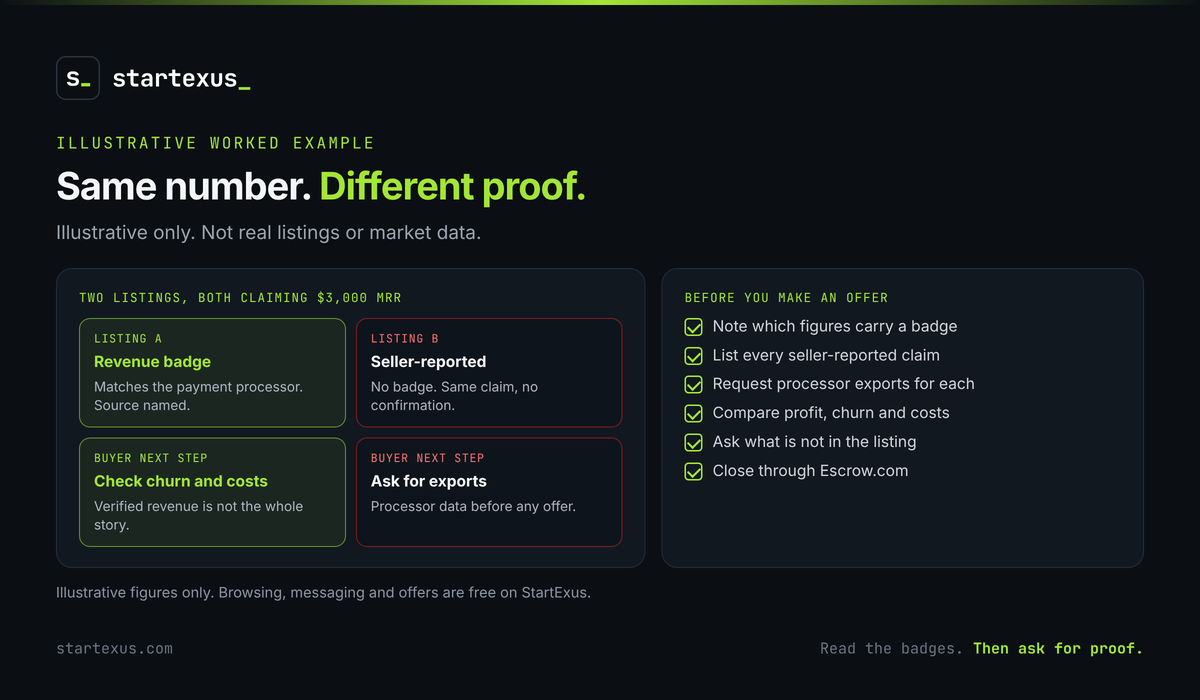
Worked example (illustrative, not real listings): two listings both claim $3,000 MRR. Listing A carries a revenue badge that names its source. Listing B has no badge. The headline is identical. The confidence should not be.
3. Read the badges before the headline
Look at the badges first, then the price. Ask which of the four checks passed and which did not. A missing badge is not a deal breaker. It is a to-do list. Write down each unconfirmed claim and decide what proof would settle it, before you start negotiating on price.
4. Ask for proof on every seller-reported claim
Once you have signed the NDA, you can see the URL, financials and documents. Use them.
- Revenue. Ask for processor exports covering twelve months, not a screenshot of one good month.
- Traffic. Ask for analytics access or an export, not a chart pasted into a document.
- Costs. Ask what the seller pays for hosting, tools and contractors.
A serious seller sends documents quickly. Slow answers tell you something too.
5. Verified revenue is not the whole story
A confirmed number tells you money came in. It does not tell you the business is healthy.
- Churn. Revenue that is verified but shrinking each month is still a problem.
- Profit. Revenue minus costs is what you actually keep.
- Concentration. One customer paying most of the MRR is a risk, whatever the badge says.
Test question: "If the revenue badge disappeared, what would I still need to see before I made an offer?" Whatever your answer is, ask for it anyway.
6. Our review reduces risk. It does not replace yours
Badges help you spend your time on the right questions. They do not replace your own due diligence. Check the code, the accounts and the customer terms yourself, and put what is being sold in writing. For most deals we recommend closing through Escrow.com, so the funds are released only after you confirm every asset has transferred.
Your pre-offer checklist
- Note which figures on the listing carry a badge and which do not.
- Write down every seller-reported claim.
- Sign the NDA and request processor exports for each one.
- Compare revenue, profit, churn and costs over twelve months.
- Ask what is not shown in the listing.
- Confirm the seller controls every asset being sold.
- Plan to close through Escrow.com.
The bottom line
A verified figure and a seller-reported figure are two different kinds of information. Treat the first as a head start and the second as a question.
Read the badges, ask for proof, then do your own checks. You will make fewer expensive mistakes.
Ready to look? Browse online businesses for sale on StartExus and see which figures were verified and which are seller-reported, or list your business for free: no listing fee, no success fee, human review, and Escrow.com recommended at close.
Tags
- online business
- due diligence
- ai