
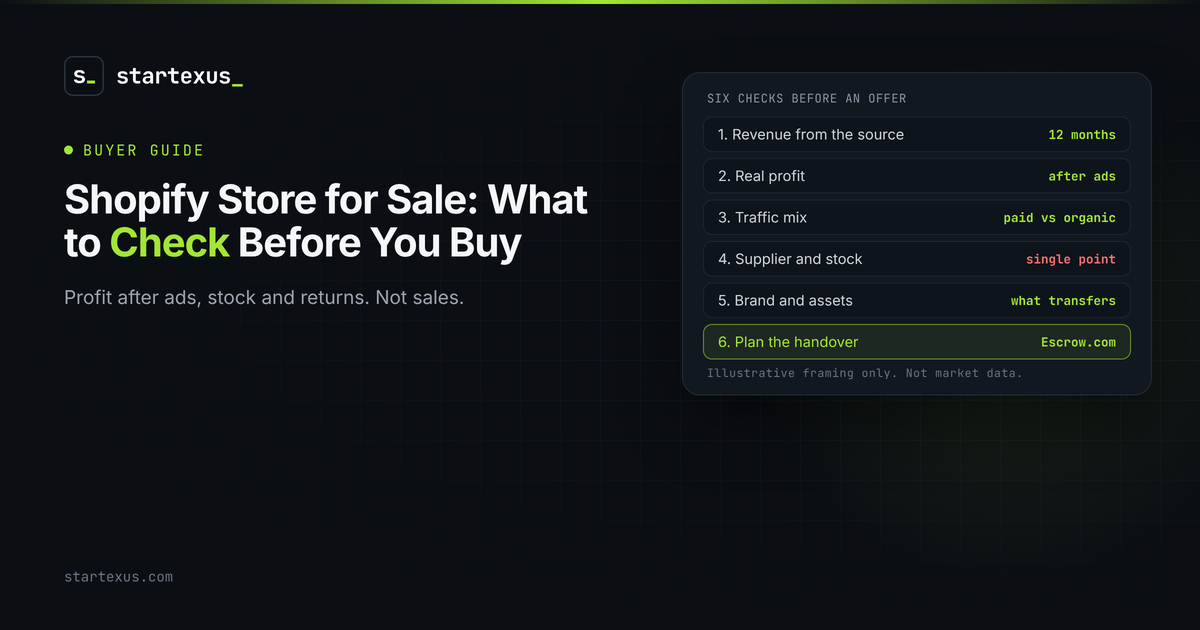
A Shopify store looks simple from the outside. A clean theme, a product grid, a revenue number in a screenshot. The risk sits underneath: ad accounts, one supplier, a refund rate nobody mentioned.
Buying a store is not buying a website. It is buying a small retail operation that happens to run on software. Some are real, repeatable businesses. Some are a hot product that already cooled off.
This is the checklist I would hand a friend before they send an offer on a Shopify store. Every dollar figure below is an illustrative example, not market data and not a real listing.
A SaaS costs almost nothing to deliver. A store sells physical goods, so margins, inventory, shipping and returns all sit between revenue and profit. The number you want is profit after everything: product cost, ads, shipping, apps, payment fees and refunds. If the seller only quotes revenue, ask for that first.
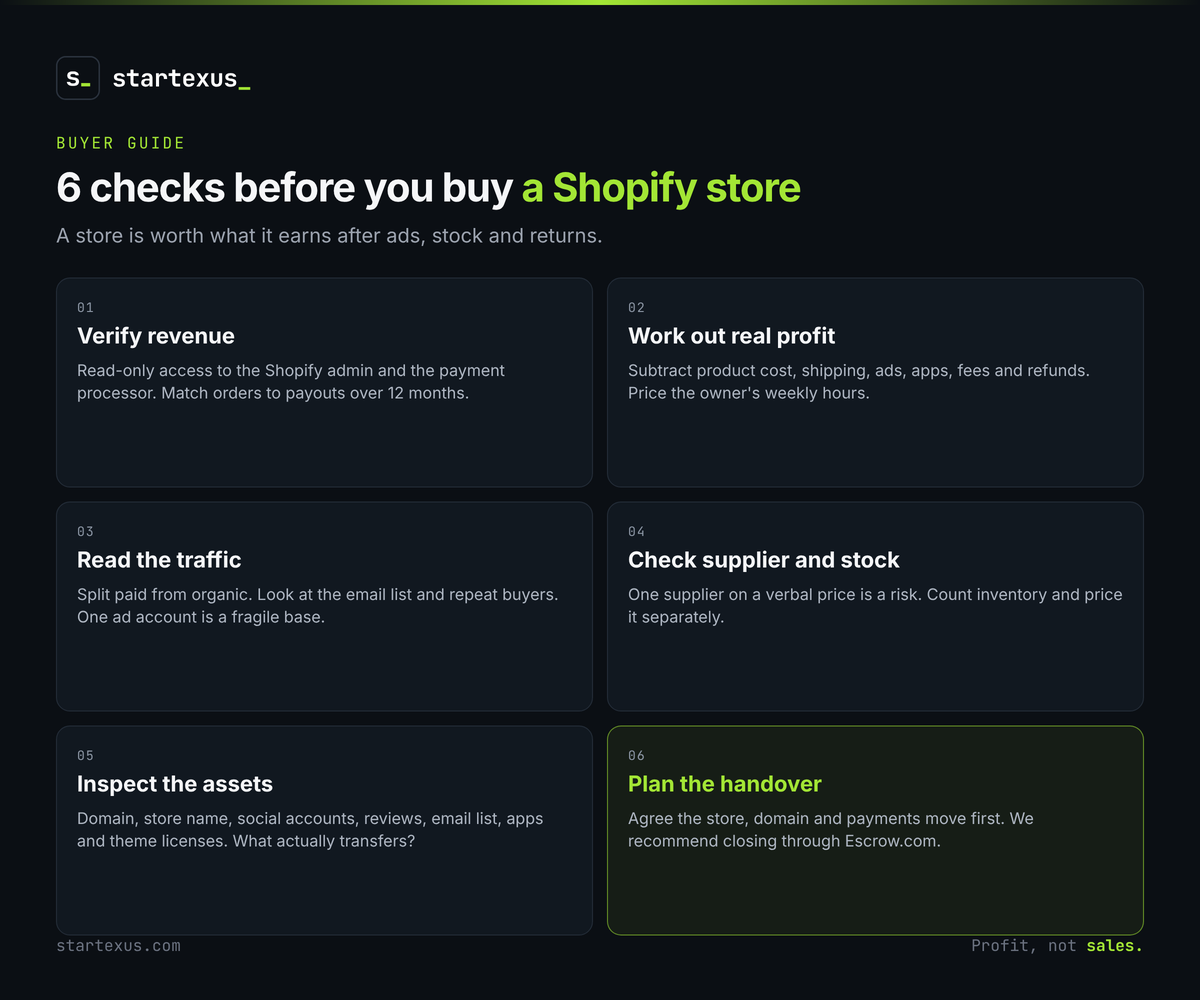
1. Verify revenue from the source
Screenshots are a start. Source data closes deals.
- Ask for read-only access. A staff account or a screen share of the Shopify admin, plus the payment processor dashboard. Compare orders in the admin with payouts in the processor.
- Pull 12 months, not 3. Seasonality hides in short windows. A strong holiday quarter can carry a weak year.
- Match gross to net. Gross sales, discounts, refunds and chargebacks should reconcile to what actually reached the bank.
2. Work out real profit
Revenue is vanity. Profit is what you are buying.
- List every cost. Cost of goods, shipping, ad spend, app subscriptions, payment fees, theme or agency fees, and any contractor.
- Count the owner's time. If the seller works 30 hours a week, that is a job, not passive income. Price it as the SDE (seller's discretionary earnings) of a small shop.
- Check the margin after ads. A store that only profits when ad spend is rising is renting its customers.
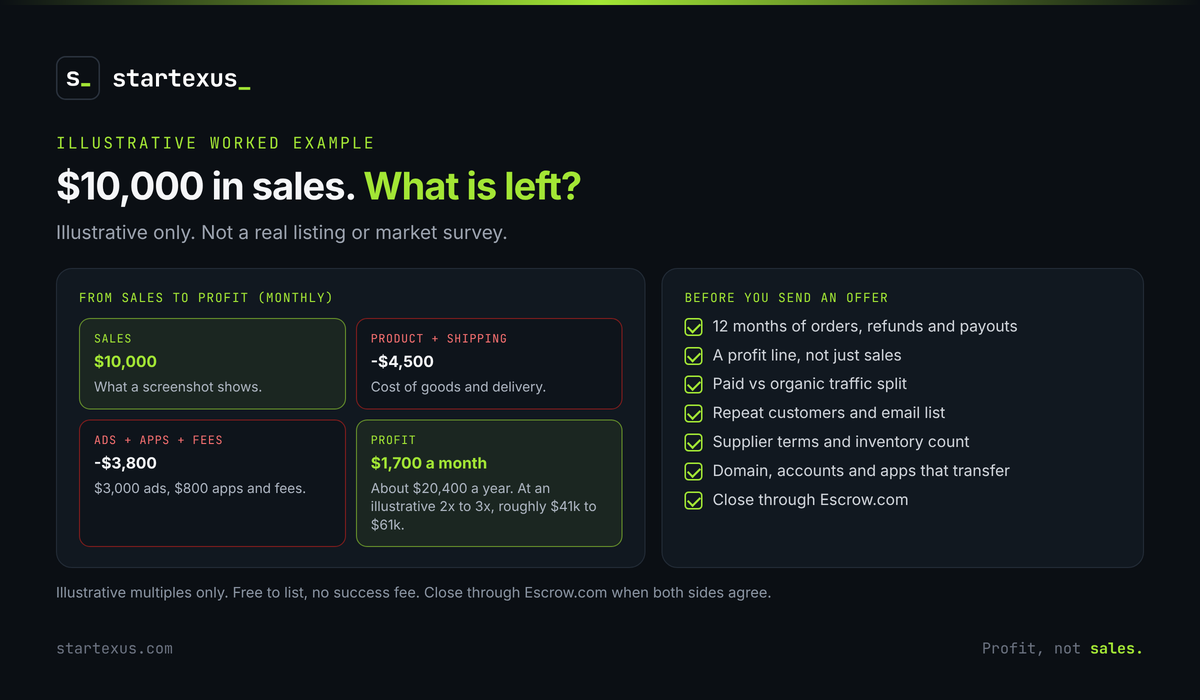
Worked example (illustrative, not a real listing): a store shows $10,000 a month in sales. Product and shipping take $4,500, ads $3,000, apps and fees $800. That leaves $1,700 a month, about $20,400 a year. At an illustrative 2x to 3x yearly profit, a fair ask is roughly $41,000 to $61,000, not a multiple of the monthly sales a screenshot shows.
3. Look at where the traffic comes from
Where customers come from decides how fragile the store is.
- Split paid from organic. Ask for sessions and orders by channel. Heavy reliance on one ad platform means one account ban can end the business.
- Check the email list. A real list of past buyers that converts is an asset you own. Ask for list size and revenue per send.
- Look at repeat customers. Stores with repeat buyers pay for ads once. Stores with none pay for the same customer again every time.
4. Dig into suppliers and inventory
The supply side is where small stores quietly break.
- Read the supplier terms. One supplier, no contract and a verbal price is a risk. Ask whether the supplier will keep terms after the sale.
- Count the stock. Inventory is usually priced separately from the business. Ask what is on hand, how old it is and how fast it sells.
- Check shipping times and returns. Long delivery windows lead to complaints, chargebacks and a bad review trail.
- Ask about dropshipping. If a supplier ships directly, find out how replaceable that supplier is and what happens when they run out.
5. Inspect the brand and the assets
You want things you can actually take over.
- Domain and store name. Confirm the seller owns both and can transfer them.
- Social accounts and reviews. Followers and product reviews carry real value, but only if they transfer and are genuine.
- Customer data and content. Photos, product copy, email list and ad creative should all be in the handover.
- Apps and theme. List what is installed, what each costs and which licenses are tied to the seller.
6. Plan the transfer before you sign
The handover is where stores lose value.
- Ownership move. Agree how the store itself moves: owner transfer in the settings or a staff account that is promoted, plus domain and DNS.
- Payments. Payment processor accounts are usually tied to the seller, so plan to set up your own and expect a short gap.
- Money. Neither side has to trust the other with the full price. We recommend closing through Escrow.com: funds are held until the buyer confirms everything transferred.
Red flags that should slow you down
Slow down, or walk away, when you see any of these.
- Revenue quoted without profit.
- Screenshots only, no admin or processor access.
- One product driving most of the sales.
- Ad spend rising while margin shrinks.
- A seller who will not discuss suppliers.
- A price quoted as a multiple of monthly sales.
Test question: "If you stopped running ads tomorrow, what would next month's orders look like?" A calm, specific answer is a good sign. Silence is an answer too.
Your 30-minute pre-offer checklist
- Get 12 months of orders, refunds and payouts, and reconcile them.
- Build a profit line: cost of goods, shipping, ads, apps, fees.
- Add the seller's weekly hours and price the time.
- Split traffic and orders by channel, paid and organic.
- Ask about repeat customers and email list revenue.
- Read the supplier terms and count the inventory.
- Confirm domain, accounts and apps that will transfer.
- Agree the handover plan and plan to close through Escrow.com.
The bottom line
A Shopify store is worth what it earns after ads, stock and returns, not what it sells. Check the numbers at the source. Understand the traffic and the supplier. Plan the handover before you sign.
Do that and you buy a business. Skip it and you buy someone else's problem.
Ready to compare deals? Browse online businesses for sale on StartExus, or list your business for free: no listing fee, no success fee, human review, and Escrow.com recommended at close.
Tags
- online business
- saas
- ai
- passive income